
Create a professional, easy-to-use booking page that converts

Create a professional, easy-to-use booking page that converts

Most booking pages feel clunky and leave your students frustrated. Your professional booking page should do the opposite: make booking simple and build trust from the first click. In this guide, you’ll find clear steps and practical tips to create a user-friendly booking page that converts—plus how Classta’s AI-powered booking system makes setup effortless and smooth. Start today and watch your bookings grow with less hassle. For more insights, you can check this guide on creating eye-catching booking pages.

Crafting a Professional Booking Page

Creating an intuitive booking page is crucial for attracting and retaining students. A streamlined design makes the experience smooth for both you and your clients.

Essential Design Tips

Designing a booking page that appeals to users involves a few key principles. First, keep things clean and simple. A cluttered page can overwhelm, so use clear headings and ample white space. For instance, a fitness trainer might benefit from a straightforward layout that highlights class details like time, location, and fees.

An example: A dance class description might include bullet points for each session:

  • Time: Saturdays at 10 AM

  • Duration: 1 hour

  • Location: Dance Studio A

Next, ensure that your call-to-action buttons are visible and inviting. Words like “Join Now” or “Book Your Spot” can encourage clicks. Remember that colour contrast is your friend; make these buttons stand out from the rest of the page.

Ensuring User-Friendly Navigation

Navigation needs to be intuitive. Users should find what they need without hassle. Place key links like class schedules and payment options in easy-to-find locations. Consider a navigation bar at the top of the page or a sticky menu that follows the user as they scroll.

Here’s a tip: Avoid jargon. Use everyday language to guide users. For instance, instead of “Proceeds to Secure Transaction,” say “Pay Securely.” This approach makes your page accessible to everyone, regardless of tech-savviness.

Leveraging Classta’s Features

Classta offers powerful tools that can transform your booking process. Let’s explore how these features can make your life easier.

AI-Powered Booking System Benefits

Classta’s AI-powered system is a game-changer. It automates the setup of your booking page, saving you time and effort. Simply describe your class, and the AI handles the rest. For example, say, “Yoga on Mondays at 6 PM,” and watch as your booking page comes to life instantly. The AI also helps create onboarding forms tailor-made for each class, ensuring all essential information is captured upfront.

This automated approach not only speeds up the initial setup but also ensures accuracy and consistency across your bookings. Imagine the relief of knowing your booking page is always up-to-date and correctly configured without constant manual adjustments.

Automating Scheduling and Reminders

With Classta, automating schedules and reminders is straightforward. Set up recurring classes with ease, knowing that automated email and SMS reminders will be sent to your students. This feature drastically reduces no-shows, ensuring your classes are full.

Most people assume reminders are annoying, but when used correctly, they are appreciated. A gentle nudge can be the difference between a full class and empty chairs. Classta helps you find the perfect balance, reminding students without being intrusive.

Streamlining Payments and Management
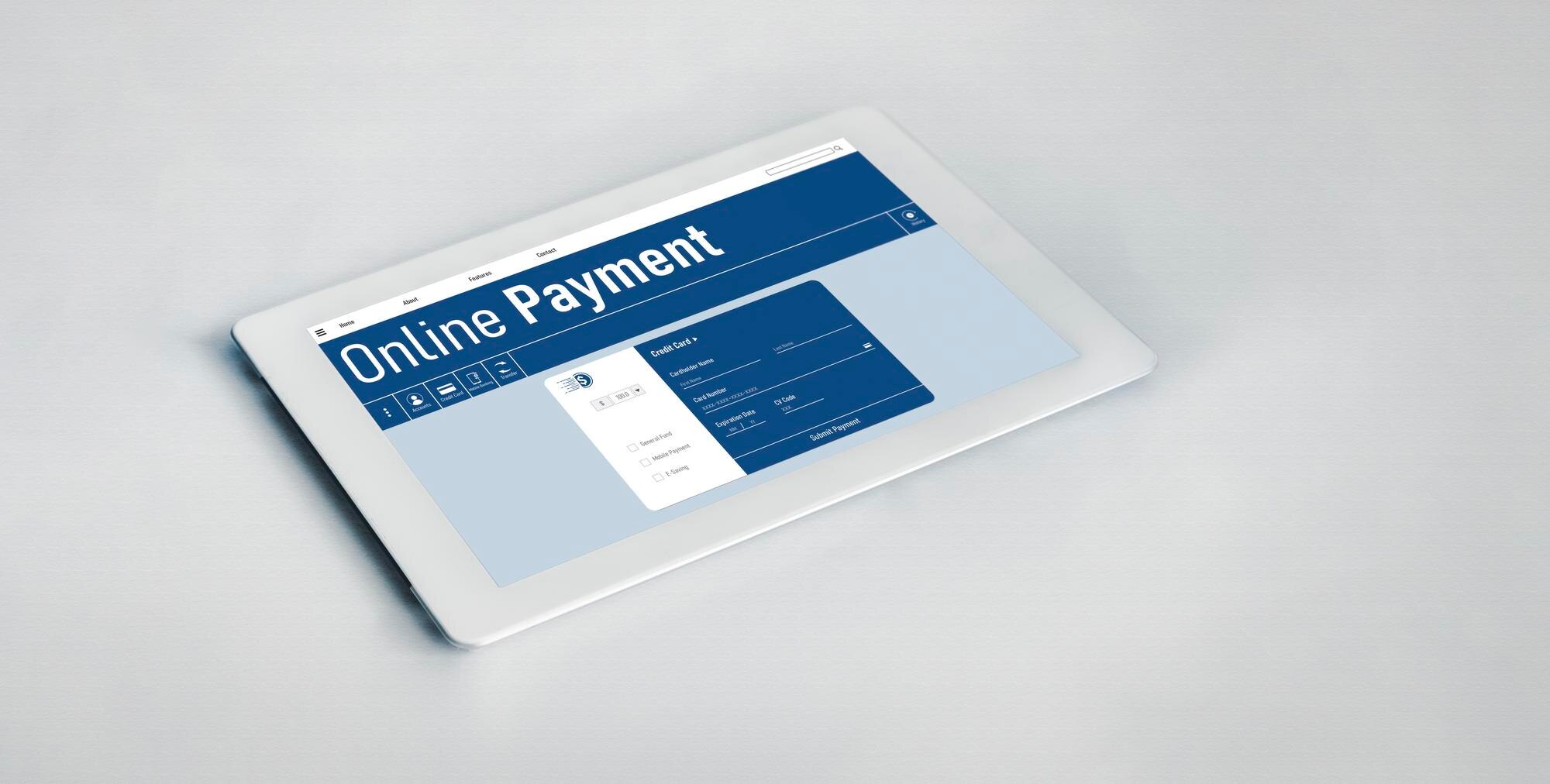
Managing payments and memberships can be daunting, but Classta simplifies these processes, allowing you to focus on teaching.

Secure Payments with Stripe and PayPal

Using Classta, you can integrate secure payment systems like Stripe and PayPal. This integration ensures that your clients can pay quickly and safely. Over 80% of online transactions are completed using these platforms, providing peace of mind for both you and your clients.

Setting up these payment options is straightforward. You don’t need a degree in finance to make it work. With just a few clicks, your payment systems will be ready to go, and funds will be deposited directly into your account.

Effective Membership Management UK

Managing memberships is crucial for recurring revenue. Classta provides tools to handle subscriptions effortlessly. Clients can sign up for monthly memberships, gaining access to exclusive content and pricing. This approach not only boosts your income but also encourages client loyalty.

Most people think managing memberships is complex, but Classta proves it doesn’t have to be. By automating renewals and notifications, you save time and keep your clients informed. This seamless process encourages students to remain part of your community, supporting your growth and success.

In summary, setting up a professional booking page with Classta is simple and effective. By leveraging its AI capabilities and intuitive features, you streamline your operations and enhance the user experience. Start today and transform your booking process into a seamless journey for both you and your clients.


Build a standout branded booking page that wins clients and keeps them coming back

Build a standout branded booking page that wins clients and keeps them coming back

Most instructors spend hours juggling bookings and admin that slow down their growth. A cluttered, generic booking page can turn potential clients away before they even see your skills. Your branded booking page on Classta changes that: simple to set up, designed to build trust, and packed with features that boost bookings and keep clients coming back. Ready to create a page that works as hard as you do? Check out these tips to get started.

Create a Winning Booking Page

Creating a standout booking page is crucial for attracting clients and keeping them coming back. Let’s explore some essential elements to build a page that works for you.

Personalised Booking Experience

A personalised experience can set you apart from the competition. Your booking page should reflect your brand and make each client feel special. Start by using your brand’s colours and logo. This consistency reinforces your brand identity and builds trust with potential clients.

Consider adding a welcome message. A warm, friendly introduction can make visitors feel at ease. It’s a simple touch that shows you care about their experience. For more tips on attracting ideal clients, visit Paige Brunton’s blog.

Offering custom services? Highlight them! Whether it’s one-to-one sessions or group classes, make sure your offerings are clear and easy to book. Remember, a seamless experience encourages bookings.

Conversion‑Optimised Design Tips

Design plays a significant role in converting visitors into clients. A clutter-free layout with clear call-to-action buttons can guide users effortlessly through the booking process. Use engaging images that resonate with your target audience.

Ensure your text is concise. Highlight benefits rather than features to show what clients gain by booking with you. Want more design inspiration? Check out this guide on creating eye-catching booking pages.

Finally, don’t forget testimonials. Positive reviews can sway indecisive visitors. Place them strategically to reinforce trust and credibility.

Mobile‑Friendly Setup

In today’s digital age, mobile accessibility is non-negotiable. Many clients will visit your page via their phones, so ensure your booking page is mobile-friendly. Classta provides a responsive design that adapts to any device, ensuring a smooth experience for mobile users.

Simplify navigation for smaller screens. Buttons should be large enough to tap easily, and forms should require minimal typing. This convenience encourages more bookings, as users can swiftly complete the process on-the-go.

Ready to create a booking page that dazzles? Let’s dive into features that boost trust and enhance your business.

Key Features That Boost Trust

Trust is the foundation of client relationships. Here’s how Classta’s features can help establish it.

Secure Online Payments UK

Security is paramount when it comes to online transactions. Classta integrates with trusted payment processors like Stripe and PayPal, providing peace of mind for both you and your clients. This ensures all payments are processed securely, reducing the risk of fraud.

Clients appreciate knowing their information is safe. Highlight the security of your payment process to reinforce trust in your services. For more on setting up secure payments, see our comprehensive Stripe and PayPal guide.

Automated Reminders and Attendance Tracking

Missed appointments can be frustrating. Automated reminders help reduce no-shows by keeping clients informed. Classta sends timely notifications via email or SMS, ensuring clients remember their bookings.

Attendance tracking is another valuable feature. It allows you to monitor who attends your sessions, helping you manage your schedule efficiently. This data can also inform future decisions, such as adjusting class sizes or timings to better suit clients’ needs.

Real‑Time Analytics and No Hidden Fees

Understanding your business performance is crucial. Classta offers real-time analytics, giving you insights into bookings and revenue trends. This information helps you make data-driven decisions to grow your business.

Moreover, transparency is key. Classta boasts no hidden fees, so you always know what you’re paying. This honesty builds trust with users who value clear, upfront pricing.

Next, we’ll guide you through setting up your own branded booking page with Classta.

Getting Started with Classta

Now that you’re familiar with the benefits, let’s explore how to set up your page and start reaping the rewards.

Setting Up Your Branded Booking Page

Setting up a branded booking page is straightforward with Classta. Begin by choosing a template that aligns with your brand. Customise it with your logo, colours, and a welcoming message.

Add your services, whether they’re yoga classes, personal training sessions, or massage appointments. Ensure each service has a clear description and price. Need some design pointers? This article might help.

Once set up, share your page link across platforms to attract clients. Classta’s seamless integration makes it easy to embed your booking page on your website or social media profiles.

AI Form Generator and Client Intake Forms

Collecting client information is vital for personalised service. Classta’s AI form generator streamlines this process, helping you create customised intake forms effortlessly. Gather health details, preferences, or special requirements with ease.

These forms ensure you have all necessary information before sessions, enhancing client satisfaction and safety. Remember, a well-prepared session reflects professionalism and care.

Booking System for Instructors UK

Classta’s booking system is tailored for instructors in the UK, accommodating various teaching formats. Whether you conduct virtual sessions via Zoom or in-person classes, Classta supports it all.

The platform’s flexibility allows you to manage your schedule efficiently, giving you more time to focus on teaching. With features like secure online payments, automated reminders, and real-time analytics, you’ll streamline operations and boost client satisfaction.

Take the plunge today and transform your booking process with Classta. Your journey towards simplified management and increased success starts here.