
How to create a branded booking page that feels professional from day one
Your booking page sets the first impression, and a sloppy start can cost you clients. Most instructors spend hours fiddling with clunky tools that don’t showcase their brand or handle bookings smoothly. With Classta, you can create a branded booking page in minutes that looks sharp and works flawlessly from day one. Let’s walk through how to set up a professional page that cuts admin, boosts bookings, and keeps your clients coming back. Learn more about creating eye-catching booking pages here.
Creating a Professional Booking Page
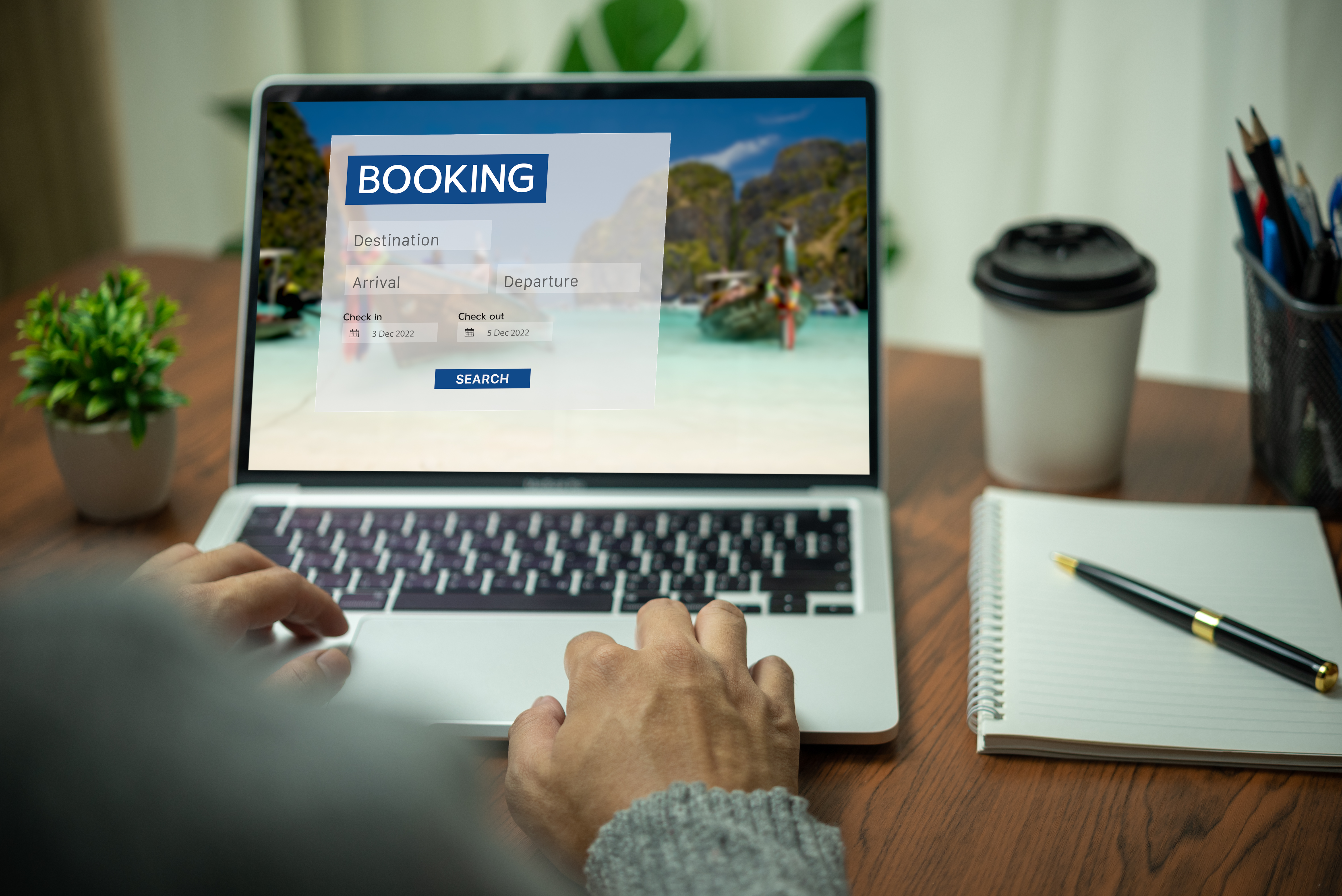
Designing a professional booking page with Classta is both simple and rewarding. You can quickly set up a page that represents your brand and streamlines your operations.
Custom Branding Essentials
Your booking page should mirror your brand’s identity. Classta allows you to tailor your page to fit your unique style. Start with your logo: a recognisable symbol that your clients associate with quality and professionalism. Next, consider your font choices. Fonts can convey tone and personality, so choose ones that reflect what your brand stands for. Also, don’t forget about images. High-quality visuals can speak volumes about the services you offer. Personalising these elements not only makes your page appealing but also builds trust with your clients.
Choosing the Right Colour Palette
Colours can evoke emotions and influence decisions, making your colour palette a powerful tool in your branding arsenal. When selecting colours, think about the emotions you want to evoke in your clients. For instance, blues can convey calmness, while reds can create a sense of urgency. Make sure your primary colour is dominant, with secondary colours complementing it effectively. A harmonious palette not only catches the eye but also enhances recognition and memory of your brand. For more insights on customising your booking page, check out this guide.
AI-Powered Setup Benefits
Classta’s AI technology is here to make your life easier. With AI, setting up your booking page is a breeze. You simply describe your class or service, and the AI takes care of the rest. This means you can have a polished, ready-to-use page in just a few clicks. No need for technical know-how or hours wasted on setup. This not only saves you time but also allows you to focus on what you love—teaching. The technology behind Classta ensures that your page is not only functional but also optimised for your business needs.
Streamlining Your Booking Process

A seamless booking process is essential for retaining clients and reducing admin tasks. Classta offers several features that make managing bookings effortless.
Automating Reminders and Attendance
Reminder emails and attendance tracking can be tedious tasks. Classta automates these processes, ensuring nothing slips through the cracks. Automated reminders help reduce no-shows, ensuring your classes are full. The attendance tracking feature provides you with instant access to who attended, so you can focus on delivering a great class. By automating these processes, you free up time to invest in other areas of your business. Read more about streamlining your booking process here.
Secure Online Payments with Stripe and PayPal
Offering multiple payment options is crucial for a smooth client experience. With Classta, you can integrate Stripe and PayPal directly into your booking page. This ensures that payments are secure, quick, and convenient for your clients. Clients can choose their preferred method, whether credit card or online payment, without any hassle. This flexibility is a key factor in boosting client satisfaction and retaining customers. Secure payments also build trust, which is vital for your business growth.
Building Effective Intake Forms
Intake forms are essential for gathering necessary client information before classes. With Classta, you can build custom forms that suit your needs. Whether you’re collecting health information for a fitness class or preferences for a one-on-one session, Classta makes it easy. These forms are flexible and can be tailored to each type of service you offer. By gathering this information upfront, you ensure that each client gets a personalised experience from the start, improving their satisfaction and your service quality.
Enhancing User Experience

A user-friendly booking system enhances client satisfaction and boosts repeat bookings. Classta’s features are designed with user experience in mind.
Mobile-Friendly Booking Features
In today’s fast-paced world, many clients book on their phones. Classta’s mobile-friendly design ensures that your booking page looks great and functions perfectly on any device. This means clients can book classes anytime, anywhere, making it convenient for them and beneficial for you. A smooth mobile experience is crucial, as most people expect to handle their bookings on the go. Classta ensures your page is responsive, keeping client frustrations at bay and making the booking process seamless.
Zoom Integration for Virtual Classes
Virtual classes have become increasingly popular. Classta integrates seamlessly with Zoom, allowing you to offer online sessions without a hitch. This integration means you can automatically generate Zoom links when a class is booked. Clients receive these links directly, ensuring they know exactly where to go when it’s time for class. Offering virtual options not only expands your reach but also provides flexibility for clients who prefer remote sessions.
Real-Time Analytics for Performance Tracking
Understanding how your classes are performing is key to growth. Classta offers real-time analytics, giving you insights into booking trends and client behaviours. This data allows you to tweak your offerings, ensuring they align with client preferences. Whether it’s identifying popular classes or understanding booking patterns, these insights can guide your business decisions. With Classta, you have the tools to optimise your classes and boost your success. To dive deeper into creating a professional booking page, visit this blog.