Trust at First Click: What Your Booking Page Needs to Win Clients Fast

Most booking pages leave clients guessing about key details. That hesitation costs you bookings and trust. Your booking page trust depends on clear pricing, secure payments, and honest client reviews. In this post, you’ll see exactly what to add to build confidence fast—and how Classta makes setting it all up simple and hassle-free. Learn more about designing for user trust and confidence here.

Build Trust Quickly

Creating a booking page that instils confidence in potential clients is essential. With Classta, you can easily set up all the features you need to build trust quickly and effectively.

Custom Branded Booking Page

Your booking page is the first impression clients have of your services. A custom-branded page not only looks professional but also reflects your unique style. Classta allows you to personalise your page with your logo, colours, and branding, making it feel like an extension of your business. This consistency reassures clients that they are in the right place.

Moreover, a branded booking page shows that you care about your image and client experience. When clients see a well-designed page, they feel more comfortable proceeding with their booking. It reduces hesitation and makes your services more appealing. For insights on creating eye-catching booking pages, check out this guide.

Client Reviews and Testimonials

People often rely on reviews to make decisions. Displaying client reviews and testimonials on your booking page can significantly boost trust. Positive feedback from past clients serves as social proof, showing that others have had great experiences with your services.

Classta makes it simple to integrate reviews directly into your booking page. This transparency helps potential clients feel more confident about booking with you. It’s not just about listing reviews; it’s about showcasing genuine stories that resonate with new clients.

About the Instructor Section

Clients want to know who they are booking with. An “About the Instructor” section provides an opportunity to share your qualifications and experience. It personalises the booking process, allowing clients to connect with you on a more personal level.

In this section, highlight your expertise, previous successes, and what makes you passionate about your work. It helps build a rapport before you even meet. Including a photo can also make your profile more relatable and trustworthy. For more tips on building trust through personalisation, visit this article.

Secure and Efficient Bookings

Once you’ve captured interest, ensuring a secure booking process is key. Classta excels in providing a streamlined and safe environment for all transactions.

Secure Payments: Stripe and PayPal

Security is a top concern for online payments. Classta integrates with trusted payment processors like Stripe and PayPal, ensuring all transactions are safe and secure. Clients can choose their preferred payment method, adding convenience and flexibility.

These platforms are known for their rigorous security measures, including encryption and fraud prevention. By using them, you reassure clients that their financial information is protected, reducing any reluctance to book your services.

Mobile-Friendly Booking Platform

Most clients prefer to book services via their mobile devices. A mobile-friendly booking platform ensures they can do so easily and quickly, wherever they are. Classta’s platform is designed to work seamlessly on any device, providing a smooth booking experience.

No more pinching and zooming to navigate a desktop-sized page. With Classta, your clients enjoy the simplicity of booking from their phones or tablets, which can lead to increased bookings and client satisfaction.

GDPR-Compliant Booking

Privacy is crucial when handling client data. Classta’s booking platform is fully compliant with GDPR regulations, ensuring your clients’ personal information is handled responsibly. This compliance not only protects your clients but also safeguards your business from legal issues.

Being transparent about how you use and protect client data builds trust. Clients appreciate knowing that their information is safe and that you respect their privacy.

Clear and Transparent Policies

Transparency in your booking policies is crucial to maintaining client trust. Classta helps you communicate these policies clearly, leaving no room for confusion.

Clear Pricing and Policies

Clients need to know exactly what they are paying for. Classta allows you to display clear pricing and policies directly on your booking page. This transparency eliminates surprises and sets clear expectations from the start.

By outlining your pricing structure and any additional fees, clients can make informed decisions. Clear policies ensure there are no misunderstandings, leading to a smoother booking process and happier clients. For tips on setting clear pricing policies, explore this resource.

Cancellation Policy and No-Show Policy

Unexpected events can happen, and clients appreciate knowing their options. Classta enables you to set and display your cancellation and no-show policies, ensuring clients understand the terms before booking.

A clear cancellation policy builds trust by showing that you are fair and considerate of your clients’ circumstances. It also protects your business by reducing the impact of last-minute changes.

Qualifications and Insurance

Your qualifications and insurance are vital pieces of information that reassure clients about your professionalism. Classta provides an area to detail your credentials and any relevant insurance, adding another layer of trust.

Clients feel more comfortable booking when they know you are qualified and insured. It demonstrates your commitment to providing high-quality, safe services, which can be a deciding factor for many potential clients.

In conclusion, a well-structured booking page that prioritises trust through branding, security, and transparency is crucial. Classta offers a comprehensive solution, making it easy for you to set up a booking system that clients can trust, ultimately leading to increased bookings and business growth.

A practical guide to collecting the right client information at booking

A practical guide to collecting the right client information at booking

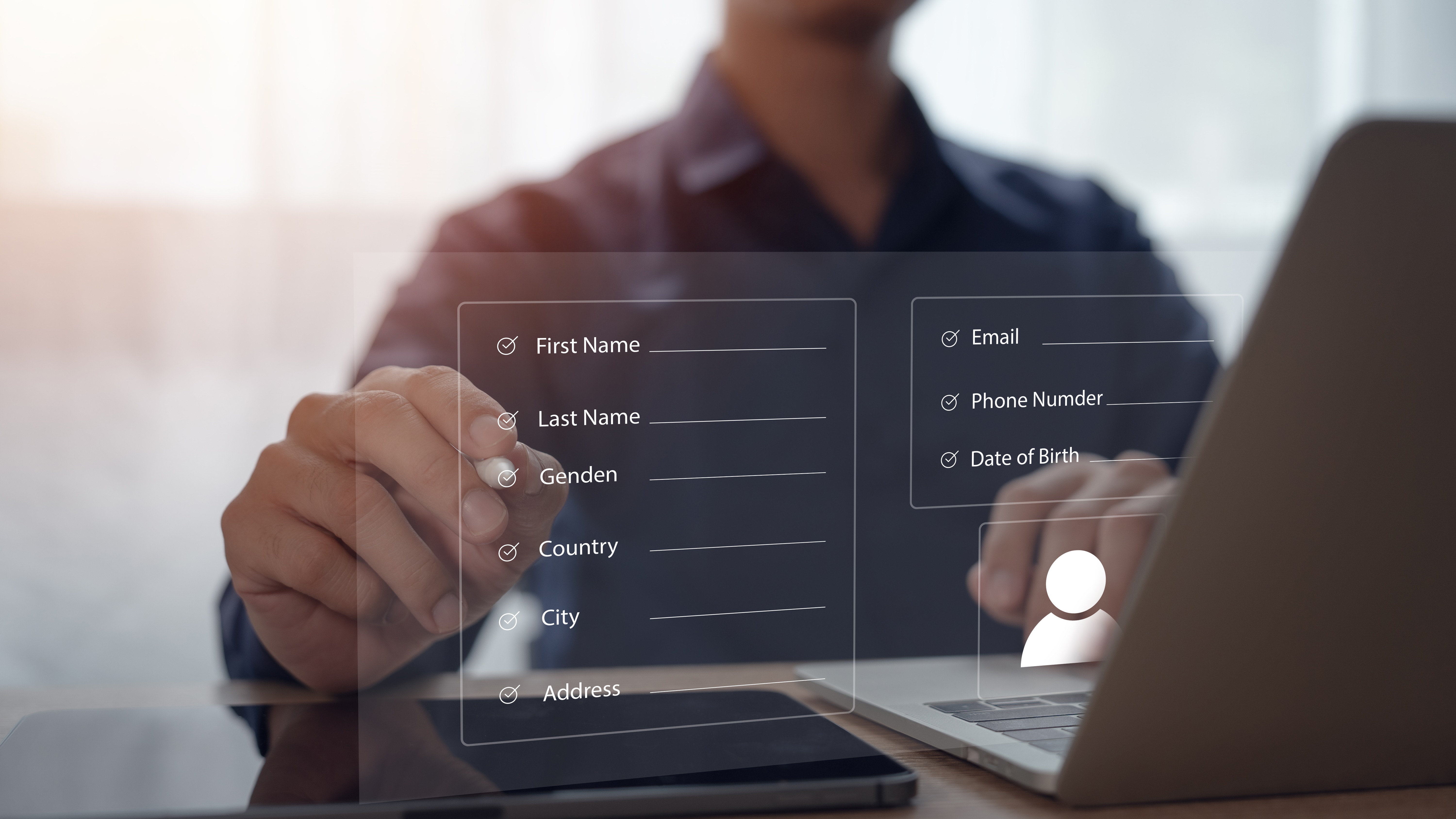
Collecting the right client information at booking isn’t just a checkbox—it shapes your whole service. Missing key details like health questionnaires or emergency contacts can slow you down and risk compliance. This guide shows you exactly what to ask, why it matters, and how to set it up with GDPR-compliant booking forms that run themselves. Set up your smart booking form in minutes with Classta’s AI form generator. Start today and transform your admin.

Key Information to Collect

Gathering essential details from clients is crucial for a smooth service experience. Let’s dive into the key information you need and how it benefits your operations.

Health Questionnaire and PAR-Q

Start by ensuring you have a comprehensive health questionnaire. This helps you understand your client’s physical capabilities and any limitations. A well-structured PAR-Q (Physical Activity Readiness Questionnaire) can prevent injuries and tailor sessions to individual needs. Imagine a client who has a knee issue but forgets to mention it. Without this step, both you and the client could face unwanted surprises during a session.

  • Collect information on medical history, allergies, and injuries.

  • Ensure questions are easy to understand to avoid confusion.

  • Regularly update health information to stay informed.

Emergency Contact Details

Having the right emergency contact details is non-negotiable. It ensures you can act swiftly if a situation arises. Most people underestimate the importance of this step, but it can make all the difference in a crisis.

  • Collect names, phone numbers, and relationships of contacts.

  • Verify the accuracy of information provided by clients.

  • Keep this data easily accessible during sessions.

Waiver and Consent UK

In the UK, having a waiver and consent form protects both you and your clients. It clarifies responsibilities and sets expectations. Picture a scenario where a client is injured during a session. A signed waiver can prevent legal complications.

  • Clearly outline potential risks involved in activities.

  • Ensure clients fully understand what they’re signing.

  • Regularly review and update forms to comply with legal standards.

Automating the Booking Process

Now that you know the essentials, it’s time to make the booking process effortless. Automation is your best friend in reducing admin work and enhancing client satisfaction.

AI Form Generator Benefits

Imagine having a tool that creates your forms in seconds. An AI form generator saves time and ensures accuracy. It lets you focus on what you love most: teaching and interacting with clients.

  • Automatically generate forms tailored to your needs.

  • Reduce human error and improve data consistency.

  • Spend less time on admin and more with clients.

GDPR-Compliant Booking Practices

Data protection is vital. Ensuring your booking system is GDPR-compliant builds trust with clients. No one wants to risk a data breach or face legal issues.

  • Securely store and process client information.

  • Provide clients with clear data privacy statements.

  • Regularly audit your practices to ensure compliance.

Automated Booking Reminders

Never let a booking slip through the cracks again. Automated booking reminders keep everyone on the same page. Imagine a client forgetting their appointment; reminders save the day.

  • Send timely reminders via email or SMS.

  • Reduce no-shows and increase attendance.

  • Personalise messages for a professional touch.

Customising Your Booking Forms

Every business is unique, and your booking system should reflect that. Customising forms lets you tailor the client experience to match your brand.

Onboarding Form Template UK

Use an onboarding form template specifically designed for the UK market. It ensures you gather relevant information without missing critical cultural nuances.

  • Include sections specific to your services.

  • Use templates to maintain consistency across forms.

  • Regularly update templates to adapt to changes.

Marketing Preferences Opt-In

Boost your marketing efforts by understanding your clients’ preferences. An opt-in option helps you communicate more effectively.

  • Ask clients how they prefer to receive updates.

  • Respect client preferences to build trust.

  • Use insights to tailor marketing campaigns.

Custom Branded Booking Pages

Your booking page is often the first interaction clients have with your company. Make it memorable with custom branded pages.

  • Use consistent branding, including logos and colours.

  • Create a seamless transition from your website to the booking page.

  • Regularly update content to keep it fresh and engaging.

By following these strategies, your booking process will not only run smoothly but also enhance the overall client experience. Remember, the longer you wait to streamline your system, the more time you spend on admin instead of focusing on what you do best.


What to include in your class booking form for a smoother client journey

What to include in your class booking form for a smoother client journey

Booking forms often cause more hassle than help. You waste time chasing missing info and managing payments, while your clients get stuck on clunky forms. The right class booking form can smooth every step, cutting admin and boosting bookings. In this post, you’ll find exactly what to include to make booking easy and effective—and how Classta’s AI-powered tools help you set it up in minutes. For more tips on creating the perfect booking form, check out this guide.

Essential Elements of a Class Booking Form

Building a class booking form that works for both you and your clients is crucial. Let’s dive into what makes a booking form not just functional but exceptional.

Collecting Client Intake Information

Gathering the right info is the first step in creating a smooth booking experience. With well-designed intake forms, you capture all necessary details without overwhelming your clients. Start by asking only what you need: name, contact info, and any health considerations. This keeps the process quick and painless.

Consider using Classta’s AI form generator to craft the perfect intake form in minutes. It ensures you don’t miss vital info, making the class booking form process seamless. Most instructors find that simplifying this step reduces their admin time significantly. When you know your clients’ needs from the start, you can tailor your classes to suit them better.

Secure Payment Options: Stripe and PayPal

Security and ease of payment can make or break your booking form. Offering trusted payment gateways like Stripe and PayPal assures clients their transactions are safe. Choose platforms that support multiple currencies to cater to diverse client bases. This flexibility can be a deciding factor for international clients.

Using Classta, payments are handled effortlessly, protecting you and your clients. Secure transactions build trust, encouraging repeat bookings. With Stripe and PayPal, you streamline the payment process, ensuring clients commit to your classes without hesitation.

Incorporating GDPR Compliance

Privacy is paramount in today’s digital world. Your booking form must align with GDPR standards to protect client data. Make it clear how you store and use their information, ensuring transparency from the start. This can include a simple checkbox for consent, informing clients of their rights.

Classta integrates GDPR compliance seamlessly, giving you peace of mind while you focus on teaching. By prioritising data protection, you demonstrate professionalism and care for your clients. Most clients appreciate businesses that respect their privacy, enhancing your reputation.

Streamlining Your Booking Process

A streamlined booking process not only saves time but also enhances the client experience. Dive into how automation and policies can transform your workflow.

Automated Reminders and Confirmation Emails

Never let a client miss a class again with automated reminders. Sending timely emails or texts ensures they know exactly when and where to show up. Classta offers personalised booking confirmation emails that keep clients informed and engaged.

Automation reduces the back-and-forth communication that often clogs your schedule. Most instructors save hours each week with this feature, allowing them to focus more on their classes and less on admin. Clients appreciate the consistency and reliability of automated communication.

Integrating Online Waivers and Policies

Waivers and policies protect both you and your clients. Integrate these into your booking process to ensure everyone’s on the same page. Online waivers eliminate the hassle of paper forms, making it easier for clients to agree to terms before they book.

Classta lets you include waivers seamlessly, enhancing the booking form experience. Clear policies reassure clients, especially in disciplines where safety is a priority. This step also reinforces your professionalism and commitment to client care.

Efficient Waitlist and Cancellation Management

Handling waitlists and cancellations can be a headache. Effective management tools allow you to fill spots quickly and handle last-minute changes with ease. Classta’s waitlist automation ensures no class goes underbooked.

Clients are notified immediately when a spot opens up, increasing your chances of a full class. Efficient management of cancellations also builds trust with clients, showing that you value their time and commitment.

Enhancing Client Engagement

Creating an engaging booking experience builds client loyalty. Here’s how to make your booking page not just a transaction point but a part of your brand.

Custom Branded Booking Pages

A branded booking page sets you apart as a professional. Using your logo and colours, you create a cohesive look that reinforces your brand identity. Classta provides the tools to customise pages easily, ensuring clients recognise your unique style.

A personalised touch shows clients you care about their experience. It’s a simple way to make a lasting impression and encourage them to return. Most clients prefer a booking system that feels personalised and professional.

Mobile-Friendly and Easy Access

In today’s fast-paced world, mobile access is key. Ensure your booking form is mobile-friendly so clients can book on-the-go. Classta’s design is optimised for all devices, ensuring a smooth process no matter where clients are.

Mobile booking is not just convenience; it’s a necessity. When clients can book quickly and easily, you’re more likely to secure their commitment. This accessibility is vital for attracting a broader audience.

Tracking Attendance and Membership Management

Keeping track of who attends your classes is essential for improvement. With Classta, attendance tracking is automatic, allowing you to focus on delivering excellent sessions. Membership management tools also help you maintain relationships with regular clients.

Knowing your attendance patterns aids in better class planning and client interaction. It’s a simple way to enhance both client satisfaction and your business efficiency. Most instructors find that effective tracking tools empower them to grow their client base strategically.

In conclusion, incorporating these elements into your class booking form can transform your workflow, reduce friction, and boost client satisfaction. By using Classta’s AI-powered tools, setting up an efficient booking system becomes effortless. Embrace the change today and watch your teaching business flourish. For an in-depth look into making appointment forms smooth, visit this insightful article.