How smart booking forms boost client readiness and cut admin

How Smart Booking Forms Boost Client Readiness and Cut Admin

Booking forms that ask the right questions before clients arrive save you hours of admin and cut down no-shows. When you prepare clients with tailored intake forms, you set the stage for smooth sessions and better results. This post shows how smart booking forms improve client readiness while trimming your workload—and why Classta makes setting them up quick and simple. For more insights, you can check this article.

Smart Booking Forms for Client Readiness

Efficient booking forms can transform client interactions. They help streamline the booking process and prepare clients well in advance.

Collecting the Right Information

To get started, ask yourself: What do you need to know about your clients before their session? Tailored intake forms gather vital details like health status or preferences.

  • A PAR-Q form helps ensure safety in fitness sessions.

  • Consent forms clarify terms for both parties, preventing misunderstandings.

  • Gather info on past injuries through a health questionnaire.

These forms set the tone for successful interactions. Clients feel cared for, and you gain insights into their needs.

Reducing No-Shows with Automation

Imagine never worrying about last-minute cancellations. Automated reminders are game-changers in reducing no-shows. They gently nudge clients to attend their booked sessions.

  • Send SMS or email reminders a day before the appointment.

  • Offer easy rescheduling links if plans change.

Automated reminders keep your schedule full and your clients engaged. You save time and reduce uncertainty.

Preparing Clients with Onboarding Forms

Onboarding forms ensure clients arrive ready for their sessions. They collect all necessary details upfront, saving time and confusion.

  • Personalise forms for each client type.

  • Gather details like fitness goals or dietary restrictions.

This preparation boosts client readiness. It makes each session more productive and enjoyable for everyone.

Cutting Admin with AI-Powered Solutions

AI can simplify admin tasks, freeing up more time for teaching and client engagement. Here’s how it works wonders.

Streamlined Health and Consent Forms

Say goodbye to paper forms. AI-generated digital waivers are fast and secure.

  • Create custom forms with just a few clicks.

  • Store them safely online, reducing clutter.

Digital forms are not only eco-friendly but also easy to manage. They offer a smooth booking journey for both you and your clients.

Automated Reminders and Payments

Imagine handling payments and reminders without lifting a finger. Automation does it effortlessly.

  • Accept payments via Stripe or PayPal.

  • Send payment confirmations immediately.

Automated reminders and payments ensure a seamless experience. You spend less time on admin and more on what you love—teaching.

Simplifying Class Management

Managing classes can be overwhelming, but AI-powered systems make it a breeze.

  • Track attendance with ease.

  • Adjust schedules in real-time.

With these tools, you can focus on delivering excellent sessions rather than getting bogged down in admin tasks.

Enhance Your Booking System with Classta

Classta offers an upgrade to your booking system, making it more client-friendly and efficient.

Custom Branded Pages and GDPR Compliance

Brand your booking pages effortlessly. Classta ensures your pages reflect your style and comply with regulations.

  • Customise colours and logos.

  • Ensure GDPR-compliant data collection.

A branded page enhances trust and professionalism. Clients enjoy a cohesive booking experience from start to finish.

Seamless Integration with Zoom and Payments

Classta integrates smoothly with popular platforms, simplifying online sessions and payments.

  • Generate Zoom links automatically for virtual classes.

  • Handle payments seamlessly without any hassle.

Integration with these tools means less stress and more focus on quality sessions.

Start Today and Simplify Your Workflow 🚀

Ready to transform your booking process? Classta offers all the tools you need to make this happen.

  • Set up your system in minutes.

  • Enjoy the freedom to teach without admin worries.

The longer you wait, the more time you spend on manual tasks. Start today and discover the benefits of an automated system.

For further reading, consider exploring this article, which delves into how appointment scheduling can reduce administrative burdens effectively.

Create custom‑branded booking pages that boost your professional image and client trust

Create custom‑branded booking pages that boost your professional image and client trust

Custom branded booking pages are more than just a nice touch—they shape how clients see you before they even meet you. When your booking page reflects your style and professionalism, trust grows naturally. In this post, you’ll learn how to design and launch your own page on Classta, turning visitors into loyal clients and making booking effortless. Start today and watch your professional image and client trust rise. For more information, check out this link.

Design Your Custom Branded Booking Page

Want to make a lasting impression on potential clients? Designing a booking page that reflects your brand is your first step. A custom page not only showcases your style, but also ensures a professional touch that sets you apart.

Personalise Your Booking Page

Your booking page is a canvas for your brand. How you design it can directly influence client perception. Start by choosing a layout that mirrors your unique style. Add your logo, select colours that align with your brand, and craft a welcoming message. Remember to consider mobile users: over 70% of bookings are made on mobile devices.

  • Logo and Colours: Create an identity that clients remember.

  • Custom Messages: Use friendly and inviting language.

  • Mobile Optimisation: Ensure easy navigation on all devices.

A well-crafted booking page can transform casual visitors into loyal clients. It’s your space to shine, so let your brand’s personality come through. Read more about how to customise booking pages.

Enhance Your Professional Image

A sharp, branded booking page elevates your image. It communicates professionalism and shows clients they can trust your services. This is crucial in industries like fitness or wellness, where personal connection matters.

Enhancing your image involves attention to detail. Ensure your booking page is easy to navigate and informative. Use high-quality images to showcase your offerings. Clear, concise descriptions of your classes or services help clients know what to expect.

  • High-Quality Images: Use visuals that resonate with your audience.

  • Clear Descriptions: Offer transparent details about services.

  • User-Friendly Layout: Simplify the booking process.

By enhancing your professional image, you send a message of trust and credibility to your clients. This can make a significant difference in turning inquiries into bookings.

Building Trust and Driving Conversions

Once you’ve designed a page that reflects your brand, the next step is to build trust with your clients. Building trust is key to increasing conversions and growing your client base.

Power of Consistent Branding

Consistency in branding across all platforms, including your booking page, fosters trust. When clients see a consistent message, they feel more confident in your services. A seamless experience from marketing to booking encourages more sign-ups.

Most people think branding stops at logos, but it’s more than that. It’s about the experience you offer. From the colours and fonts to the way you communicate, every element should align with your brand.

  • Unified Messaging: Keep your tone and style consistent.

  • Visual Consistency: Use the same colours and fonts across platforms.

  • Reliable Information: Ensure all details are accurate and up-to-date.

A consistent brand not only builds trust but also drives conversions by creating a welcoming and reliable experience. For insights on branding, you can explore branding themes.

Boost Client Trust and Credibility

Trust is the backbone of any successful business relationship. When clients trust you, they’re more likely to book and recommend your services. How can you boost this trust through your booking page?

Firstly, display testimonials from satisfied clients. Real feedback can be a powerful tool in convincing potential clients. Secondly, ensure your booking platform is secure, especially when handling payments. Clients need to know their information is safe.

  • Testimonials: Share real stories from happy clients.

  • Secure Payments: Use trusted methods like Stripe or PayPal.

  • Transparent Policies: Clearly state your terms and conditions.

By boosting trust and credibility, you’re not just acquiring clients; you’re building lasting relationships. Discover how to create a secure and credible booking experience at OnceHub.

Launch Your Booking Page with Ease

Now that your page is designed and your brand is consistent, it’s time to launch! The process is simpler than you might think, thanks to user-friendly platforms like Classta.

Simple Steps to Get Started

Launching your booking page doesn’t have to be daunting. Classta makes it easy with intuitive steps that even tech novices can follow. Here’s how to get started:

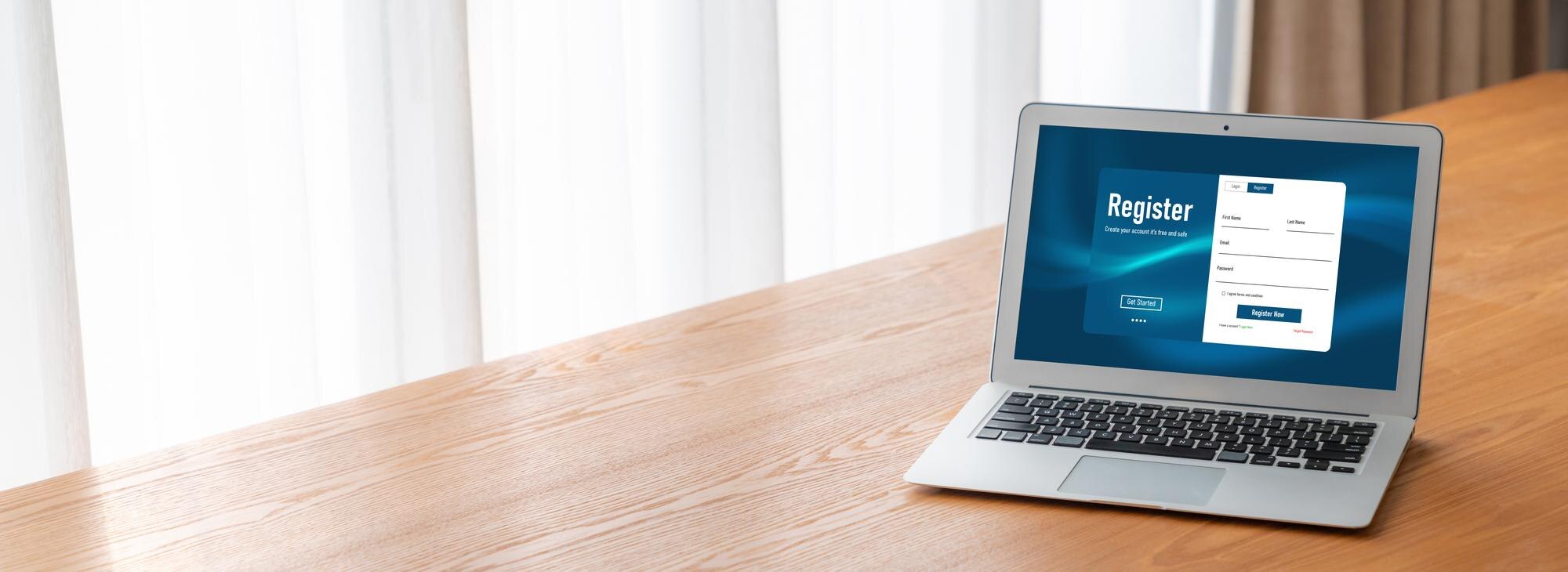
  1. Sign Up: Create an account with Classta.

  2. Choose a Template: Select a design that fits your style.

  3. Customise: Add your branding elements and service details.

  4. Preview and Publish: Review your page and go live.

These simple steps can have your booking page up and running in minutes. It’s about taking that first step towards a more streamlined and professional booking system.

Connect Secure Payments and Automate Bookings

Once your page is live, it’s time to focus on the backend: payments and bookings. Classta supports secure payment integrations, making transactions hassle-free. Clients can pay using trusted services like Stripe and PayPal.

Automation is another key feature. Set up automated reminders to reduce no-shows and streamline your booking process. This not only saves you time but also enhances the client experience, as they receive timely updates.

  • Secure Integrations: Connect with Stripe and PayPal.

  • Automated Reminders: Reduce missed appointments.

  • Effortless Management: Let technology handle bookings.

With payments and bookings automated, you can focus on what you do best: teaching and engaging with your clients. Your booking system should work for you, not the other way around.

In summary, creating a custom-branded booking page on Classta offers a host of benefits. It enhances your professional image, builds trust, and simplifies management. Ready to get started? Transform your booking experience today!